
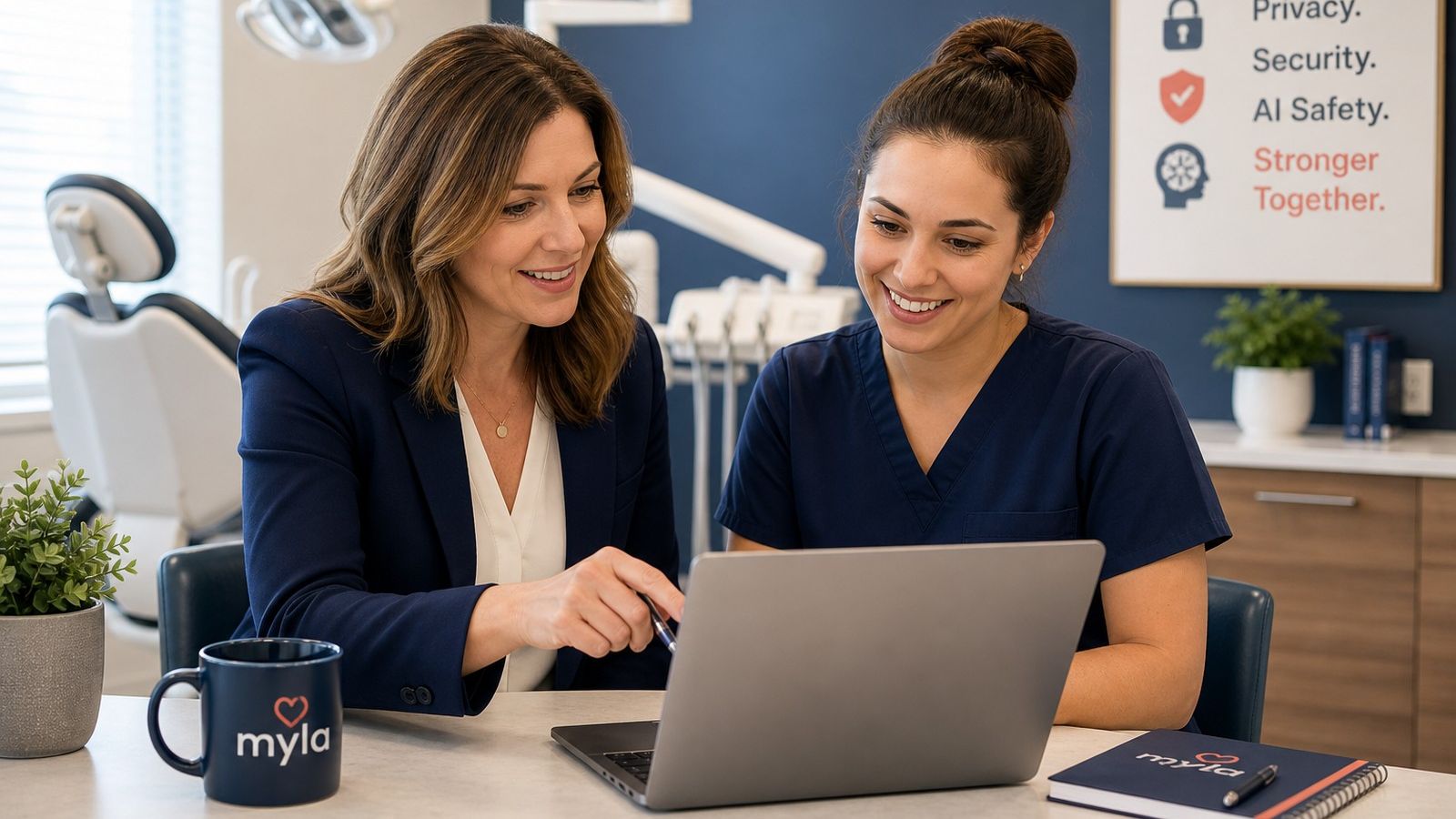
Hiring Dental Staff? Ask About Cybersecurity, Privacy, and AI Training
Feb 02, 2026
It started with something ordinary.
A wireless mouse stopped working at the front desk. The team lost time, appointments started to feel rushed, and someone considered calling IT. In the end, the problem was simple: the batteries needed replacing.
Moments like this happen in dental practices more often than people realize. Not because the team is careless. Not because they are bad at their jobs. Often, it is because good dental employees were never taught to feel confident with everyday technology.
And that matters.
In a modern dental practice, technology confidence is not just a “nice extra.” It affects downtime, privacy habits, cybersecurity awareness, AI safety, patient communication, and the overall confidence of the team.
When you hire dental staff, clinical experience and dental office experience still matter. But so does the person’s ability and willingness to learn technology safely.
Preventing Dental Office Downtime
When hiring dental staff, dental practices should ask about more than chairside skills, front desk experience, or office management background.
They should also ask whether the person is comfortable learning new technology, understands basic online safety, can recognize suspicious messages, respects privacy requirements, and is open to training on cybersecurity and AI safety.
A candidate does not need to be an IT expert. But they should be willing to learn, follow safe procedures, and ask for help when something does not look right.
If a practice cannot hire someone with these skills already, the next best step is to build those skills through practical, documented training and certification. Myla’s dental cybersecurity certification helps dental practices create a clearer standard for privacy, cybersecurity, and AI safety knowledge within the team.
Why This Belongs in a Dental Cybersecurity Certification Conversation
Many dental practices think about cybersecurity only after something goes wrong.
But cybersecurity, privacy, and AI safety are not only technical issues. They are everyday team skills.
A receptionist deciding whether to open an attachment is making a cybersecurity decision. A treatment coordinator emailing patient information is making a privacy decision. A team member using an AI tool to write patient instructions is making an AI safety decision. A manager choosing whether to give someone shared login access is making a security decision.
This is why dental cybersecurity training and certification matter.
Certification gives the practice a way to set a baseline. It helps answer a simple question:
Has this person received practical training on the privacy, cybersecurity, and AI risks they may face in a dental office?
That matters during hiring. It also matters during onboarding, annual training, role changes, and team development.
Why Technology Skills Matter When Hiring Dental Staff
Dental practices depend on technology all day.
The front desk uses practice management software, email, online forms, payment tools, imaging systems, patient portals, scanners, phones, and shared devices. Clinical team members may use digital radiography, intraoral scanners, electronic charting, digital consent tools, and AI-supported workflows. Office managers may handle user accounts, vendor communication, insurance portals, team permissions, and privacy documentation.
That means a technology gap is rarely just a technology gap.
It can become:
- lost time
- unnecessary IT costs
- avoidable frustration
- privacy mistakes
- missed warning signs
- unsafe shortcuts
- inconsistent use of office systems
- hesitation when something suspicious happens
The Government of Canada’s Get Cyber Safe guide for small businesses includes training employees, protecting sensitive data, developing a cybersecurity plan, and establishing an incident response plan among its recommended steps for improving cybersecurity.
For dental practices, the message is practical. Technology safety is not only about firewalls, software, or an outside IT provider. It is also about the people using the systems every day.
Dental Experience Still Matters, But It Is Not the Whole Picture
A dental assistant still needs dental assisting skills. A receptionist still needs communication skills. An office manager still needs scheduling, billing, patient service, and practice operations experience.
But today, dental teams also need to be comfortable with basic technology decisions.
That does not mean every new hire needs to troubleshoot a server, configure a firewall, or understand technical cybersecurity language. It means they should have enough confidence to:
- check whether a simple device issue has an obvious fix
- ask good questions before opening suspicious attachments
- avoid sharing passwords
- understand that patient information needs careful handling
- know when not to put patient details into public AI tools
- follow practice policies
- report concerns quickly
- keep learning as technology changes
The Office of the Privacy Commissioner of Canada explains that PIPEDA’s fair information principles set ground rules for the collection, use, and disclosure of personal information in the private sector. The OPC also advises organizations to make employees aware of the importance of maintaining the security and confidentiality of personal information and to hold regular staff training on security safeguards.
For dental hiring, this means privacy awareness should not be treated as a side topic. Anyone who works with patient information needs to understand that privacy is part of the job.
Cybersecurity, Privacy, and AI Skills to Look for When Hiring Dental Staff
You do not need every candidate to be “techy.”
You are looking for practical confidence, good judgment, and a willingness to learn.
When hiring dental staff, look for signs that the person can support a safer, more confident digital workplace.
Helpful skills and habits include:
- comfort learning dental software and digital systems
- basic troubleshooting confidence
- careful handling of patient information
- awareness of phishing and suspicious emails
- respect for passwords and account access
- willingness to follow written procedures
- comfort asking questions early
- openness to dental cybersecurity training
- openness to dental security awareness training
- openness to dental privacy training
- openness to dental AI training
- interest in safer use of technology
- calm problem-solving when something does not work
- willingness to become a technology or safety champion
The best candidate does not need to know everything already. What matters is whether they can learn, follow safe processes, and help raise the practice’s overall comfort with technology.
The Hidden Cost of Low Technology Confidence
Low technology confidence can quietly cost a dental practice time, money, and momentum.
Sometimes the issue is simple. A mouse needs batteries. A scanner is being used incorrectly. A monitor cable is loose. A printer needs a basic reset. A browser needs an update. A team member avoids a useful feature because they are afraid of making a mistake.
These moments may seem small, but they add up.
When teams lack confidence, practices may spend more on avoidable IT calls, lose time to preventable downtime, and struggle to use technology that could improve patient communication, scheduling, documentation, and workflow.
Low confidence can also affect cybersecurity and privacy.
If someone receives a suspicious email, accidentally shares information, or uses an AI tool without understanding the risk, their confidence and training influence what happens next. A trained team member is more likely to pause, ask, report, and follow the practice’s procedure.
Get Cyber Safe says cybersecurity training helps employees protect a business from cyber threats and helps promote a cyber secure culture. The Canadian Centre for Cyber Security also includes awareness and training as part of security and privacy risk management, and says security and privacy programs should collaborate on awareness and training policies and procedures.
In plain language: people need to know what to do.
Look for a Tech Champion Inside the Practice
One of the most helpful things a dental practice can do is identify at least one internal tech champion.
This does not need to be the most technical person in the office. It may be the office manager, treatment coordinator, lead assistant, receptionist, privacy officer, or a motivated team member who enjoys learning new tools.
A good tech champion is someone who:
- is curious rather than defensive
- likes learning new systems
- can help others without making them feel embarrassed
- understands when to escalate to IT
- supports privacy and cybersecurity habits
- encourages safe AI use
- helps create a calmer technology culture
This person is not replacing your IT provider. They are helping the practice become more self-sufficient with everyday technology and more consistent with safe habits.
In many offices, that one champion can make a big difference. They can help the team feel less intimidated by technology, reinforce training, and support better communication between the practice and outside IT support.
Interview Questions to Ask Dental Candidates About Technology
When hiring, you do not need to turn the interview into a technical exam.
The goal is to understand the candidate’s comfort level, judgment, and willingness to learn.
General Tech Confidence Questions
- How comfortable are you learning new software or digital systems?
- Tell me about a time you had to learn a new technology at work.
- What do you usually do when a computer, printer, scanner, or device is not working?
- Are you comfortable following written technology procedures?
- Do you enjoy learning new technology, or does it feel stressful for you?
Privacy Awareness Questions
- What does patient privacy mean to you in a dental office?
- How would you handle it if you accidentally sent information to the wrong person?
- What would you do if a patient asked you to email sensitive information?
- Have you taken any privacy training before?
Cybersecurity Awareness Questions
- What would make you suspicious of an email?
- What would you do if you clicked a link and then realized something seemed wrong?
- Have you ever taken cybersecurity awareness or phishing training?
- How do you manage passwords at work?
- What would you do if someone asked to use your login?
AI Safety Questions
- Have you used AI tools before?
- What types of information would you avoid putting into an AI tool?
- How would you check whether AI-generated content is accurate before using it?
- Would you be comfortable following an office AI policy?
Learning Mindset Questions
- What kind of training helps you learn best?
- Are you open to completing privacy, cybersecurity, and AI safety training as part of this role?
- Would you be interested in becoming a technology or safety champion for the practice?
These questions are not about catching someone out. They are about understanding whether the person is ready to work safely in a modern dental environment.
What to Do If the Right Person Does Not Have These Skills Yet
Sometimes the best candidate will not arrive with privacy, cybersecurity, AI safety, or strong technology confidence already in place.
That does not mean you should reject them automatically.
If they are kind, capable, professional, and willing to learn, training can fill the gap. In fact, for many dental practices, the goal should be simple:
Hire for attitude, judgment, and willingness to learn. Then train for consistent technology safety.
This is where documented team training becomes useful. It gives the practice a clearer way to set expectations, support the employee, and show that learning has taken place.
Training also helps remove embarrassment. Many people feel nervous about technology because no one has ever explained it to them in plain language. Once they understand the basics, they often become more confident very quickly.
How Myla Certification Helps Dental Practices Build These Skills
Myla created certification programs to help dental practices build a clearer standard for cybersecurity, privacy, and AI safety knowledge.
Myla certification is unique to Myla, but it is built from decades of experience in dental technology, privacy, cybersecurity, operations, and clinical practice. The Myla team includes dental, operations, privacy, cybersecurity, and AI safety expertise, including experience focused specifically on dentistry.
For dental practice owners and managers, this matters because hiring can feel uncertain. A resume may show dental experience, but it may not show whether someone understands safe technology habits.
Myla helps practices answer two important questions:
- Does this person already have practical knowledge of dental privacy, cybersecurity, and AI safety?
- If not, how can we train them affordably and document that learning?
The goal is not to make every team member a technical expert. The goal is to help every team member become safer, more confident, and more consistent.
Learn more about Myla’s dental cybersecurity certification and how it can support hiring, onboarding, and documented team training.
For practices that need to train existing employees, Myla also offers dental privacy, cybersecurity, and AI training designed for dental teams.
What to Do Before Your Next Dental Hire
Before your next hire, review your interview process and add a few technology-confidence questions.
You may also want to:
- Identify one tech champion inside the practice.
- Add privacy, cybersecurity, and AI safety questions to interviews.
- Ask candidates what technology training they have completed.
- Include technology confidence in onboarding.
- Provide documented training for new and existing team members.
- Keep training practical, role-based, and ongoing.
- Normalize asking for help early when something feels suspicious or unclear.
A calm, capable technology culture does not happen by accident. It is built through hiring, training, documentation, and everyday encouragement.
Frequently Asked Questions
What is dental cybersecurity certification?
Dental cybersecurity certification is documented training that helps dental team members understand practical cybersecurity risks, safer technology habits, and what to do when something suspicious happens.
Myla’s certification is designed specifically for dental teams and includes practical learning connected to cybersecurity, privacy, and AI safety.
Why should dental practices ask about cybersecurity training when hiring?
Dental staff use technology throughout the day, including email, practice management software, patient communication tools, imaging systems, online forms, and shared devices.
Asking about cybersecurity training helps the practice understand whether a candidate has basic awareness of phishing, passwords, suspicious links, account access, and safe reporting.
Should dental teams complete privacy training?
Yes. Dental teams handle sensitive patient information, so privacy training is an important part of safer daily practice operations.
The Office of the Privacy Commissioner of Canada advises organizations to make employees aware of the importance of maintaining security and confidentiality of personal information and to hold regular staff training on safeguards.
Should dental teams complete AI safety training?
Dental teams should receive AI safety training before using AI tools in practice workflows.
AI tools can be helpful, but teams need clear guidance about patient information, accuracy, review, consent, and appropriate use. The goal is not to avoid technology. The goal is to use it carefully.
What technology questions should I ask when hiring dental staff?
Ask practical questions such as:
- Are you comfortable learning new software?
- Have you taken cybersecurity or privacy training?
- What would you do if you clicked a suspicious link?
- What information would you avoid putting into an AI tool?
- How do you handle passwords?
- What do you do when technology is not working?
These questions help you understand whether the candidate is confident, careful, and willing to learn.
Can Myla certification help if my current team is not confident with technology?
Yes. Myla certification can help current dental team members build practical knowledge in cybersecurity, privacy, and AI safety.
It also gives the practice a way to document completed learning and create a more consistent baseline across the team.
Final Takeaways
Hiring for dental experience still matters.
But in today’s dental practice, it is not enough on its own. Teams also need technology confidence, privacy awareness, cybersecurity habits, and safe AI judgment.
The good news is that these skills can be built.
Look for people who are curious, careful, and willing to learn. Support them with practical training. Give them clear expectations. Document their learning. And whenever possible, develop a tech champion inside your practice who can help make technology feel less intimidating for everyone.
You do not need every employee to be an IT expert.
You do need a team that knows how to pause, think, ask, report, and learn.
About the Author

Anne Genge is the founder of Myla Training Corp, a Canadian dental AI, privacy, and cybersecurity training company. She helps dental practices understand technology risk in plain language and train their teams to recognize everyday privacy, cybersecurity, and AI-related risks.
Anne is a national speaker and educator on dental cybersecurity, privacy, and AI risk. Through Myla, she creates practical training for dental teams that supports safer workflows, better documentation, and more confident decision-making.
Learn More. Worry Less. Stay Safe.™
Sources
- Government of Canada, Get Cyber Safe: “Get Cyber Safe Guide for Small Businesses.” Supports the recommendation that small businesses train employees, protect sensitive data, develop cybersecurity plans, and establish incident response plans.
- Government of Canada, Get Cyber Safe: “Key Cyber Security Training Topics for Your Staff.” Supports the claim that cybersecurity training helps employees protect a business from cyber threats and helps promote a cyber secure culture.
- Office of the Privacy Commissioner of Canada: “PIPEDA Fair Information Principle 7 — Safeguards.” Supports the recommendation that organizations make employees aware of security and confidentiality and hold regular staff training on safeguards.
- Office of the Privacy Commissioner of Canada: “PIPEDA Fair Information Principles.” Supports the claim that PIPEDA’s fair information principles set ground rules for collection, use, and disclosure of personal information in the private sector.
- Canadian Centre for Cyber Security: “Awareness and Training.” Supports the role of awareness and training policies in security and privacy risk management.
Train Your Team to Spot AI Risks Today
Featured Training for Dental Teams
Build your team’s cybersecurity, privacy, and AI safety foundation with practical training designed for every team member.
Explore Myla’s essential training bundle and foundational courses.
Recent Posts
What Are Myla Certifications?
Myla certifications are structured, industry-specific credentials designed for dental professionals. They validate that your team has completed practical cybersecurity, privacy, and AI risk training built specifically for dental practices.
NEW - AI Safety Essentials Course
AI is entering healthcare fast. Is your team ready?
This plain-language course helps healthcare teams understand AI privacy and cybersecurity risks, protect patient information, and meet compliance expectations. Includes 7 short modules, a reference guide, final assessment, and a certificate of completion.