
What Is Dental Security Awareness Training and Why Does Your Team Need It?
Mar 07, 2026Not all dental cybersecurity training is created equal. Some programs check a box, others actually reduce risk.
Dental security awareness training teaches your team how to recognize and respond to the everyday risks that lead to privacy breaches, cyber incidents, and expensive mistakes that are most likely to happen in a dental practice.
Things like spotting phishing emails, handling patient information properly, avoiding unsafe clicks, and knowing what to do when something feels off are critical team skills.
In other words, it is not IT training. It is people training. And since most cyber incidents start with a human moment, not a technical failure, that matters quite a lot.
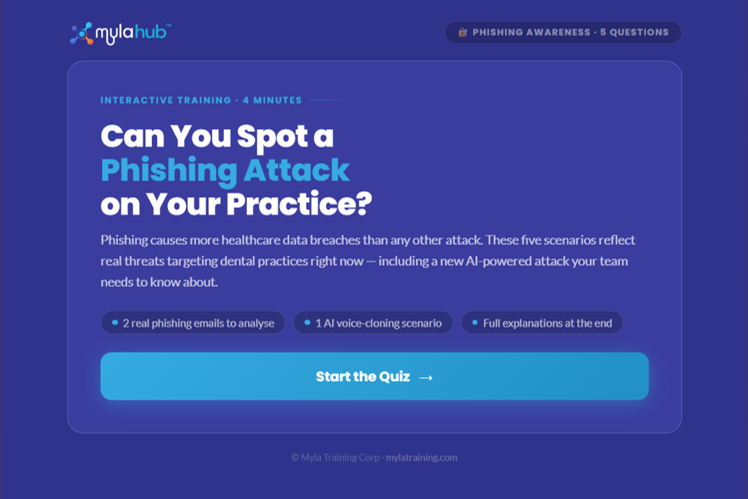
Try This Fun Myla Dental Phishing Game
Why this matters in a dental practice
Dental practices are busy, fast-moving environments. Your team is juggling patient calls, schedules, treatment plans, insurance details, digital forms, attachments, invoices, and login systems all day long. That creates constant opportunities for small mistakes with big consequences.
A rushed click on a fake invoice.
A text asking for a password reset.
A team member sending patient information the wrong way.
Someone reusing the same password everywhere because they are trying to survive a busy day.
Security awareness training helps reduce these risks by teaching people what to watch for and what to do next.
What dental security awareness training actually covers
Good training focuses on the risks your team faces every day.
Phishing and email scams
Your team should know how to identify:
- fake invoices
- urgent “click now” messages
- spoofed emails from vendors or coworkers
- suspicious links and attachments
Password and login safety
Teams need practical guidance on:
- strong passwords
- password managers
- multi-factor authentication
- what to do if credentials may be compromised
Patient privacy and data handling
Security and privacy go together. Teams should understand:
- when patient information should not be sent by regular email
- how to handle attachments and records safely
- why “just this once” is where problems begin
Safe use of devices and systems
This includes:
- locking screens
- avoiding public Wi-Fi for work access
- keeping systems updated
- recognizing suspicious popups or login prompts
Incident reporting
Early reporting reduces damage. Teams should know:
- what counts as suspicious
- who to report to
- how quickly to act
What good training looks like
Not all training is useful. Effective dental security awareness training should be:
- Dental-specific — reflects real workflows, not generic examples
- Short and practical — easy to complete and apply immediately
- Regularly updated — includes current risks like AI and evolving phishing tactics
- Repeatable — reinforced throughout the year
- Documented — includes proof of completion for compliance and insurers
What bad training looks like
Watch for these warning signs:
- generic, non-dental content
- overly technical or theoretical
- one-time training with no follow-up
- no coverage of privacy or AI risks
- no documentation or tracking
- training that feels shaming or unrealistic
If your team cannot apply it the next day, it is not effective.
Who on the team needs training?
Everyone.
That includes:
- dentists
- hygienists
- assistants
- front desk staff
- office managers
- treatment coordinators
Cyber risk follows access and behavior, not job titles.
What your team should be able to do after training
Your team should be able to:
- recognize suspicious emails and messages
- pause before clicking or downloading
- handle patient information more safely
- follow secure login practices
- report issues quickly and confidently
If they cannot do these things, the training did not reduce risk.
Common mistakes dental practices make
Treating security as only an IT issue
People are the front line.
Training once a year
Awareness fades quickly.
Using generic training
Dental workflows require dental-specific guidance.
Ignoring AI use
Teams are already experimenting with AI tools.
Not documenting training
Without proof, compliance and insurance support become harder.
What to do next
- Review your current training program
- Check if it is dental-specific
- Confirm it includes phishing, privacy, and AI
- Ensure completion is documented
- Plan regular refreshers, not one-time sessions
FAQ
Is dental security awareness training the same as IT support?
No. IT manages systems. Training teaches people how to avoid risky behavior.
How often should training happen?
At least annually, with shorter refreshers during the year.
Does front desk staff need training?
Yes. They handle communication, patient data, and financial interactions.
Should AI be included in training?
Yes. Teams need clear rules for safe AI use and data handling.
What makes training effective?
It is practical, dental-specific, regularly updated, and documented.
About Myla Training
Myla Training provides dental-specific privacy, cybersecurity, and AI training designed for real teams in real practices. The focus is practical risk reduction, clear guidance, and training people will actually complete.
Learn More. Be Safe.
Train your team today. Get documented cybersecurity training, a completion certificate for compliance, and proof insurers increasingly expect to see. Because hope is not a security strategy.
Learn More. Be Safe.
Train Your Team to Spot AI Risks Today